Instructor-First
Revenue Share

Whether you're here to learn, teach, earn, or grow your institution, RBS gives you everything you need in one place.
Learn from experienced professionals, earn verifiable certificates, and build a portfolio you can proudly share.
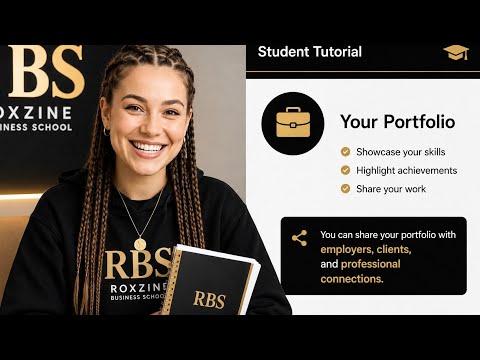
No payment until you're ready to enroll.
From agriculture and construction to digital skills and trades.
Curriculum, verified instructor, reviews, and price — all on one page.
No manual approval, no waiting.
Track progress lesson by lesson — access never expires.
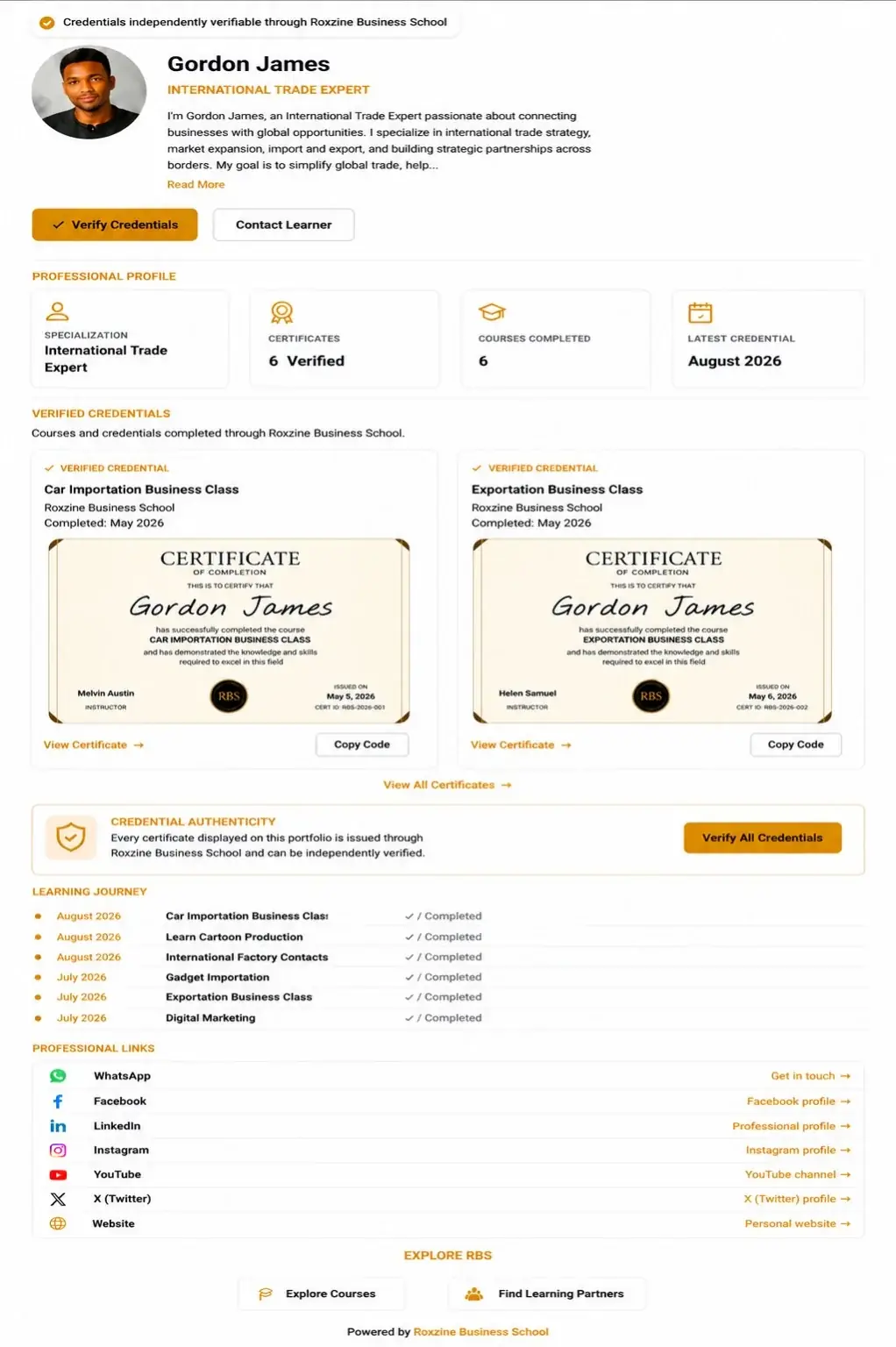
Complete every lesson and earn a certificate anyone can verify.
Every certificate you earn joins one shareable page — proof of your skills, plus your social links, so anyone can see what you know and reach you in one click.
Already have an account? Log in to your dashboard
Create professional courses, reach learners worldwide, and get paid for every sale you make.


Watch: building and publishing a course on RBS, start to finish.
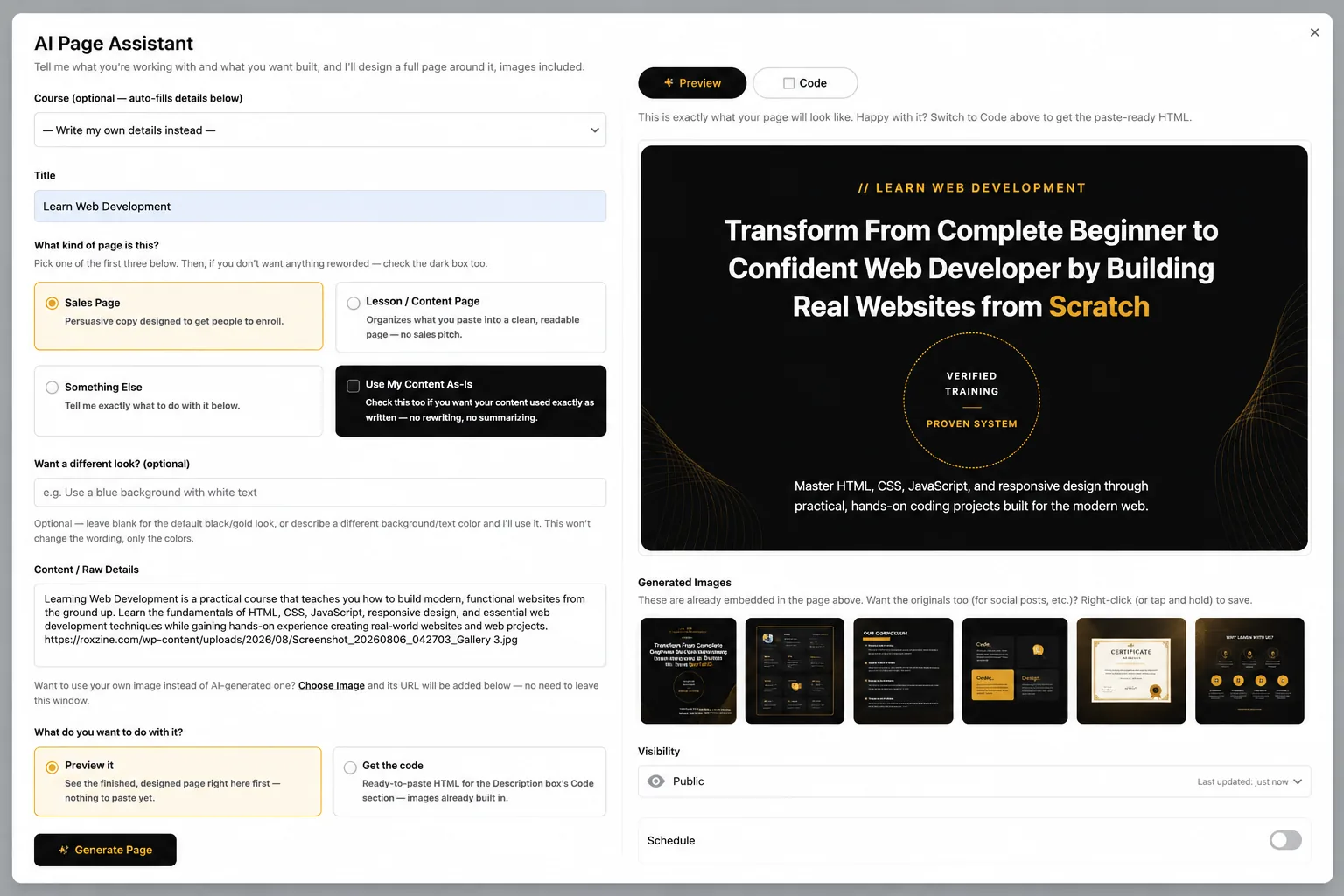
Simply describe your course and let RBS AI generate a professional sales page complete with compelling copy and high-quality visuals — ready to publish in minutes.
Already approved? Log in to your dashboard
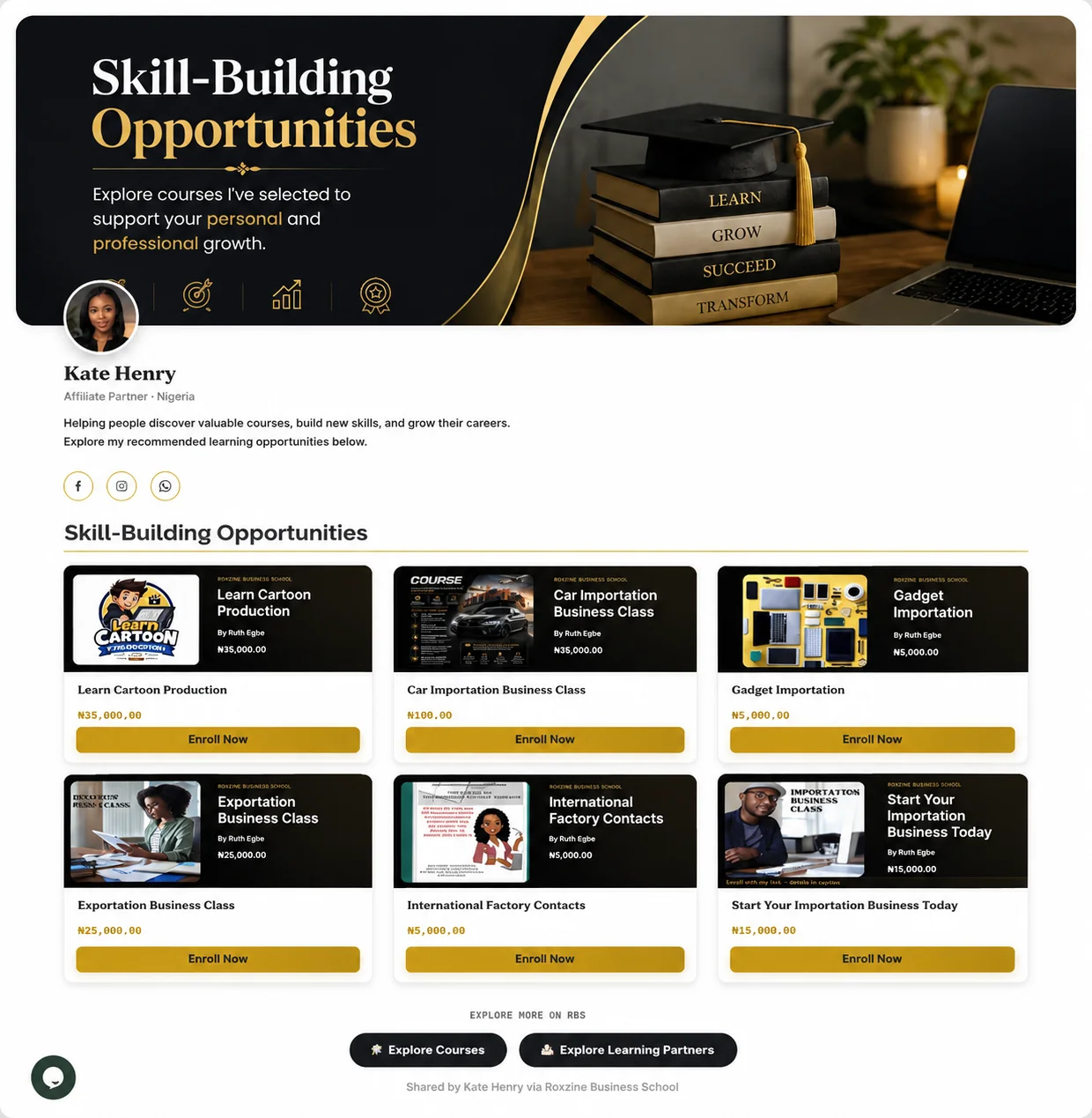
Build your own affiliate storefront, recommend quality courses, and earn commissions every time someone enrolls through you.

Instead of sharing a single affiliate link, share a professional profile featuring your recommended courses, branded banners, bio, and social links — all in one place.
Already an affiliate? Log in to your dashboard
Create a verified institutional profile, promote your programmes, and receive enquiries from prospective students.

RBS brings you visibility and enquiries — your brand, admissions process, website, certificates, and student relationships stay entirely yours.
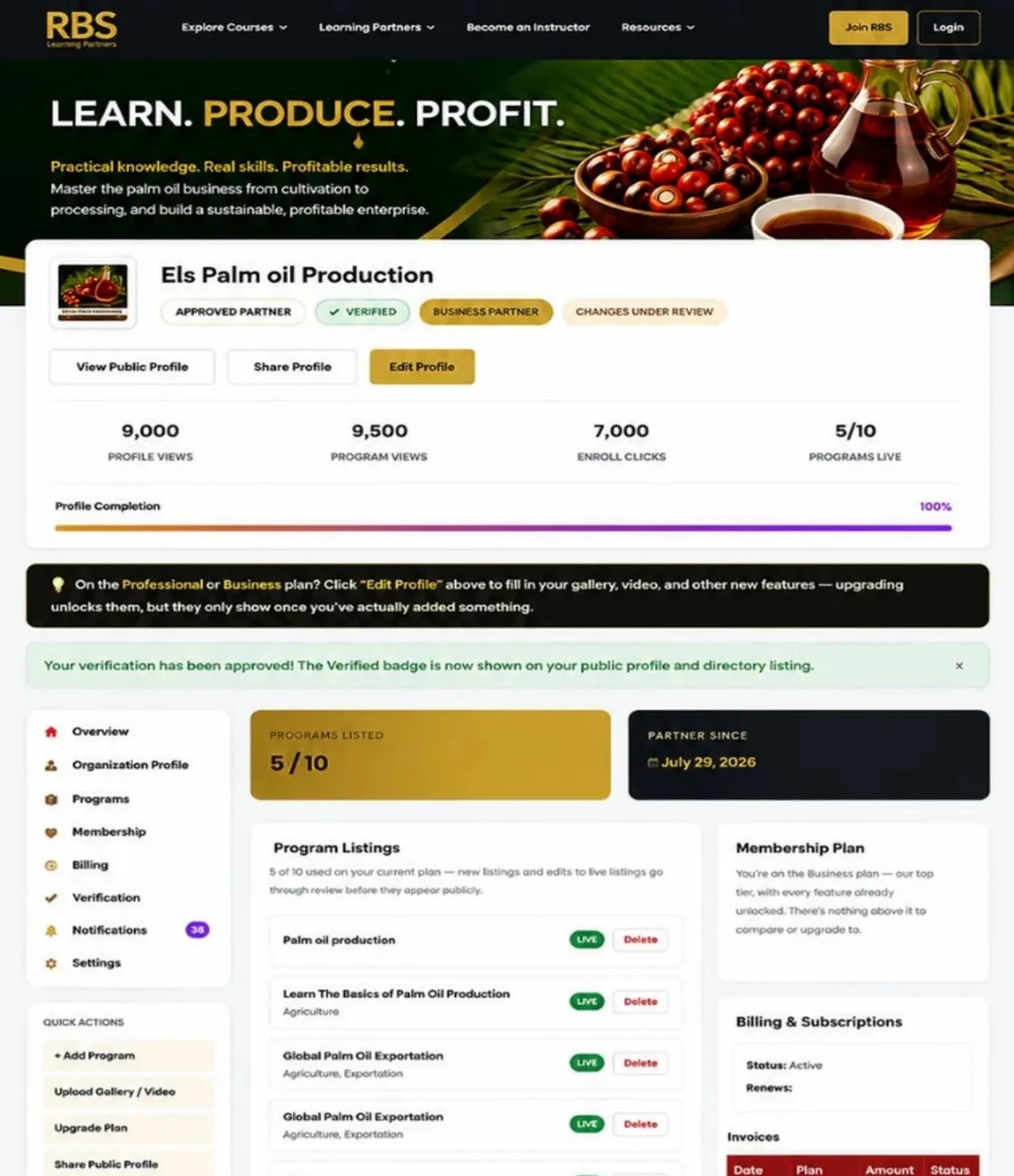
Already a partner? Log in to your dashboard
Students and Instructors drive the marketplace. Affiliates and Learning Partners grow it further.
Choose the path that fits your goals and become part of a marketplace built for practical learning, business growth, and real opportunities.